
Social Media Privacy: Settings Most People Leave on Default

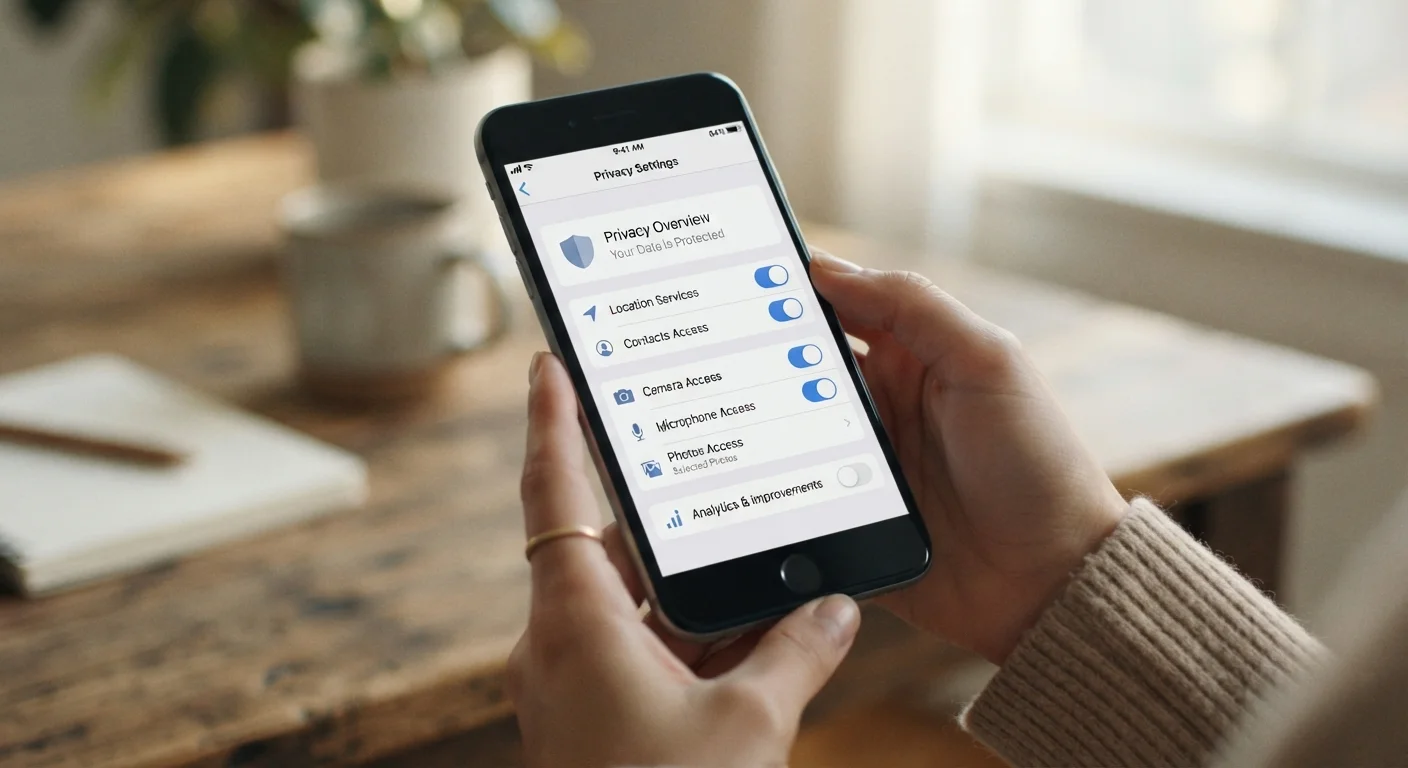
Default social media settings often share more than you'd expect. This guide covers the key toggles across major platforms and what each one controls.
Summary
22 items · 20 to 45 minutes
Key takeaways
- Default social media settings typically favor data sharing over user privacy.
- Changing your audience visibility, ad tracking, and location settings takes only minutes.
- Third-party app access is a common privacy gap that most users never review.
- Reviewing settings every few months helps because platforms update their defaults without notice.
- No single setting eliminates all exposure, but each change meaningfully reduces it.
Why defaults work against your privacy
When you create a new social media account, the platform configures your privacy on your behalf. Those choices are made to maximize engagement and data collection, not to protect your information. Your profile may be visible to anyone on the internet. Your activity can be shared with advertisers. Your location can be tracked and stored. None of this is hidden in the fine print: it is simply the default state.
The good news is that most platforms give you real control, buried inside settings menus that most people never open. This checklist walks you through the categories that matter most, across the types of settings found on major social media platforms. The specific menu paths will vary by app and platform version, but the categories below apply broadly.
Platforms change settings without warning
Social media companies update their apps regularly, and new features sometimes arrive with permissive defaults already switched on. A setting you turned off six months ago may have been reset or a new one added. This is not a one-time fix. Plan to revisit your privacy settings every few months to catch changes you did not choose.
What you will need
Before you start, gather the following so you can move through each platform in one sitting.
Your phone or computer
Used to access each social media app or its web settings panel directly.
A list of your social media accounts
Helps you track which platforms you have reviewed so nothing gets skipped.
An authenticator app
Required to set up two-factor authentication on accounts that support it, which is more secure than SMS codes.
A password manager
Lets you set a strong, unique password for each account without needing to memorize them.
Privacy settings checklist
Work through each group below. Check off items as you go, and plan to revisit this list whenever a platform announces a major update.
Profile and audience visibility
Location and activity tracking
Advertising and data use
Third-party app access
Messaging and contact discovery
Account security and access
A few things this checklist cannot fix
Adjusting your settings limits what platforms do with your data going forward, but it does not erase what they have already collected. Most platforms offer a data download tool so you can see what they hold. It is worth using that feature at least once.
Public posts you made before tightening your settings may still be indexed by search engines. You can bulk-edit old posts on some platforms, or delete individual ones, but there is no universal undo. If old public content concerns you, check whether the platform offers an "Archive" or "Delete old posts" option in its privacy tools section.
Finally, privacy settings on one platform do not carry over to others. Block a topic or restrict your audience on one app and you have no corresponding protection on the next one. Treat each platform as its own separate task.
The content on this site is for informational purposes only and is not a substitute for professional advice. Always consult a qualified professional for guidance specific to your situation.