
Online Account Security Habits Worth Building Early

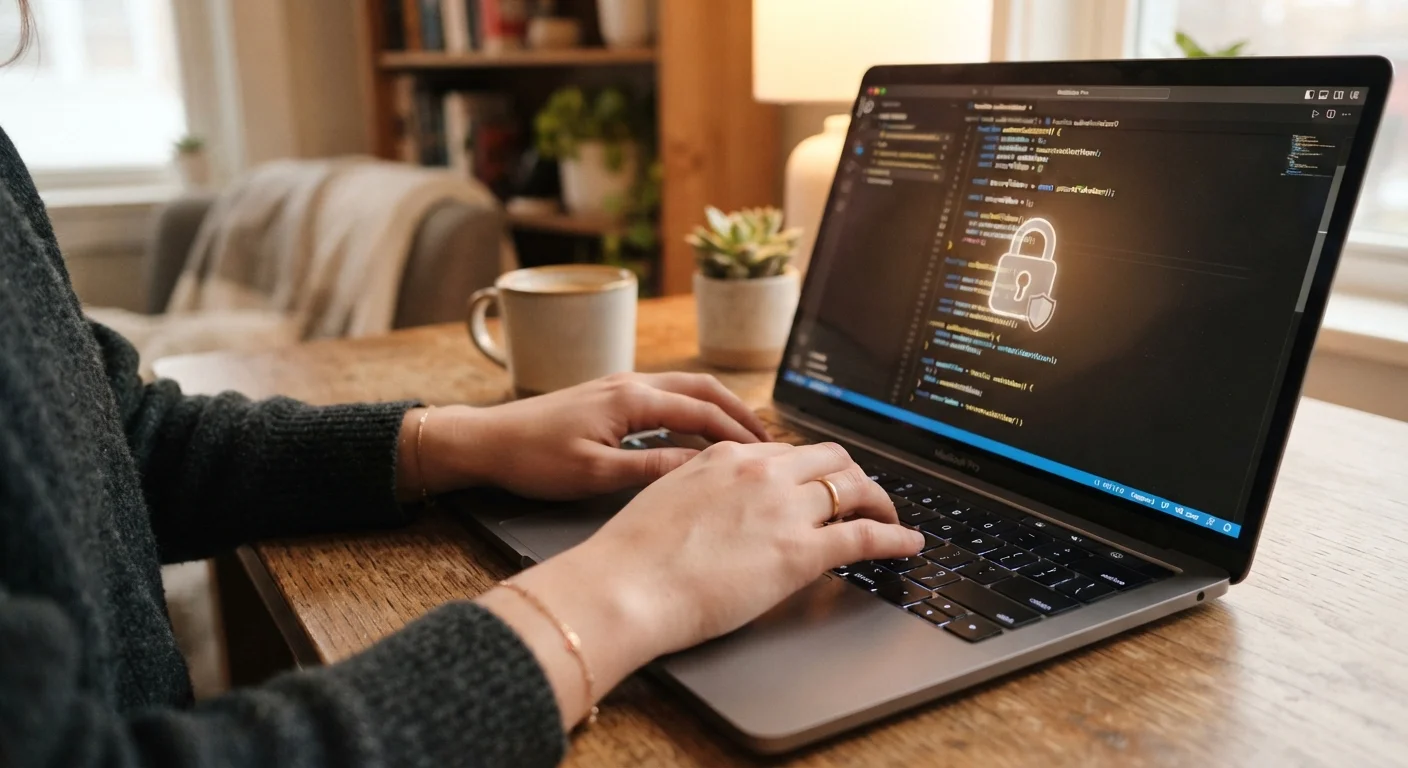
Strong passwords are just one piece of the puzzle. Explore the broader habits that keep your online accounts genuinely secure over time.
Key takeaways
- A strong password alone is not enough: layering multiple habits is what actually protects accounts.
- Two-factor authentication blocks most unauthorized login attempts, even when a password is exposed.
- Password reuse across accounts is one of the most common reasons people get hacked.
- Knowing what to watch for, like unexpected login alerts, helps you catch problems before they escalate.
- A password manager is one of the most practical tools any non-technical adult can adopt.
Why one strong password is not enough
Most people learn the basics of password safety at some point. Make it long, add numbers, avoid your pet's name. That advice is still sound, but it covers only one narrow slice of account security. The real risk for most adults is not a weak password on a single account: it is a combination of habits that leave multiple accounts exposed at the same time.
Data breaches happen regularly across services of all sizes. When a company's user database is compromised, stolen credentials often circulate online for months or years. If you used the same email and password on that service as you did on your bank or email account, attackers can try those credentials everywhere. This is called credential stuffing, and it works precisely because password reuse is so common.
Security is not a single action. It is a set of consistent habits that work together. The good news is that building these habits does not require technical expertise. For broader context on staying safe across your devices, see this practical device security guide.
The habits that actually make a difference
The practices below address the most common ways accounts get compromised. None requires advanced technical knowledge, and most take only a few minutes to set up.
Use a unique password for every account, without exception.
When one password is exposed in a breach, attackers test it on other services automatically. Unique passwords mean one compromised account does not cascade into several. This single habit eliminates credential stuffing as a risk.
Use a password manager to generate and store complex passwords.
No one can memorize dozens of long, random passwords. A password manager creates strong credentials for you and fills them in automatically, so you only need to remember one master password. This also removes the temptation to reuse simple ones. See this starter plan for organizing accounts and passwords for help getting set up.
Turn on two-factor authentication (2FA) for every account that offers it.
Two-factor authentication requires a second verification step, usually a code sent to your phone or generated by an app, after you enter your password. Even if someone has your password, they cannot log in without that second factor. Most major breaches that steal passwords cannot bypass this.
Review which apps and services have access to your accounts periodically.
Many apps ask to connect to your Google, Apple, or Facebook account for convenience. Over time, you accumulate connections to services you no longer use, some of which may no longer be maintained or secure. Removing old connections reduces the number of ways your account can be reached.
Set a strong, unique password for your email account above all others.
Your email account is the recovery method for almost every other account you own. If an attacker controls your email, they can reset passwords on your bank, social media, and other services through normal reset flows. Treating email as your highest-priority account reflects how attackers actually think.
If you want to go further with privacy across the accounts and apps you use daily, these privacy habits for staying connected cover the balance between participation and oversharing.
What to watch for once your habits are in place
Even with solid habits, it helps to know the warning signs that something may have gone wrong. Most account platforms send email or text alerts when a new device logs in, when a password changes, or when account information is updated. Turn these notifications on and actually read them.
If you receive an alert you did not trigger, change the password on that account immediately and check whether the same credentials were used anywhere else. You can also visit sites like Have I Been Pwned (haveibeenpwned.com), a free public tool that checks whether your email address has appeared in known data breaches.
Phishing messages are another common entry point. Attackers send realistic-looking emails asking you to log in to a fake version of a real site. This breakdown of convincing phishing tactics walks through what makes these messages so easy to miss. When in doubt, go directly to the site by typing its address rather than clicking a link in an email.
For a broader look at how stolen account credentials can lead to larger problems, this overview of identity theft warning signs explains the early signals worth watching. And if your home network is the entry point attackers are targeting, securing your home Wi-Fi is a logical next step.
The content on this site is for informational purposes only and is not a substitute for professional advice. Always consult a qualified professional for guidance specific to your situation.