
Phishing Emails That Fooled Careful People and What Made Them So Convincing

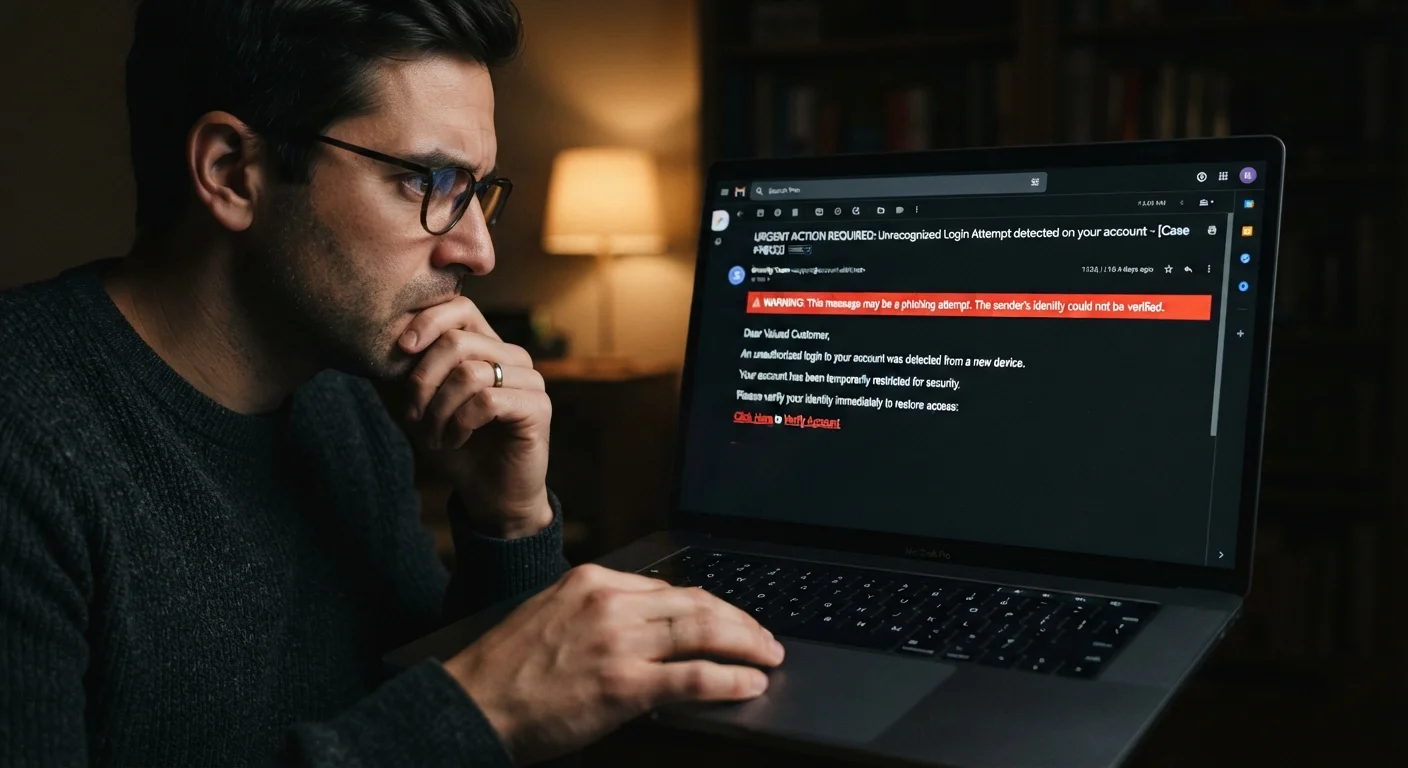
Real-world phishing techniques broken down so you can spot the warning signs before clicking a link or entering your details.
Key takeaways
- Phishing emails frequently impersonate trusted brands using near-perfect visual copies.
- Urgency and fear are the most common emotional levers scammers use to bypass careful thinking.
- Hovering over a link before clicking reveals the true destination URL.
- Even careful, tech-aware people fall for phishing when they are distracted or stressed.
- Reporting suspicious emails helps protect others in your organization or contact list.
Why even careful people get fooled
Phishing works because it targets human instincts, not technical ignorance. Scammers study the emails that real companies send, replicate their formatting precisely, and then add pressure to push you past the moment of doubt. Stress, distraction, and habit do the rest.
The people who fall for these messages are not careless. They are often busy professionals, older adults comfortable with email, or anyone who happened to open a message at the wrong moment. Understanding the specific tactics attackers use is more useful than simply being told to 'be more careful.'
Good account security habits reduce the damage if you do click something, but recognizing the tricks before you engage is the first line of defense. The mistakes below cover the patterns that appear most often in real phishing campaigns, along with concrete ways to protect yourself.
Trusting a logo and formatting as proof of legitimacy.
Why it happens: Copying a company's logo, color scheme, and email layout takes minutes with freely available tools, so a polished appearance feels like evidence of authenticity.
Clicking a link because it looks correct in the visible text.
Why it happens: Email clients show clickable text that can say anything while the underlying URL points somewhere else entirely.
Assuming a personalized greeting means the email is real.
Why it happens: People reasonably believe that a scammer could not know their name, but data breaches have made full names, email addresses, and even partial account numbers widely available on criminal marketplaces.
Entering credentials on a site because it shows a padlock icon.
Why it happens: Years of advice told people that a padlock means a site is safe. It actually means the connection is encrypted, not that the site belongs to who it claims to be.
Opening an attachment because the email explains why it was sent.
Why it happens: A plausible story, such as 'your invoice is attached' or 'here is the document we discussed', lowers suspicion because it matches everyday work or personal communication patterns.
Trusting an email because it appears to come from a known contact.
Why it happens: Attackers sometimes compromise a real person's account or spoof a familiar address, so the message passes the basic 'do I recognize this person' check.
What to do after a suspicious email lands in your inbox
If an email raises any doubt, do not click, reply, or download anything. Report it using your email client's built-in 'report phishing' or 'mark as spam' option, which sends data to your provider and helps filter similar messages for other users.
If the message appears to come from a company you actually use, visit that company's website by typing the address yourself and check your account for any real alerts. Most organizations have a dedicated address for forwarding suspicious emails, usually listed on their security or contact page.
Urgency in an email is a red flag
Messages that demand immediate action, such as 'your account will be closed in 24 hours' or 'confirm now to avoid suspension', are designed to stop you from pausing to think. Legitimate organizations give you time. When you feel rushed, slow down and verify through official channels before doing anything.
If you suspect you have already clicked a link or entered credentials, change your password for that account immediately and enable two-factor authentication if it is not already on. Then check whether you reused that password anywhere else and change it in those places too. For a structured approach to creating passwords you can actually remember, see practical password techniques.
Clicking a phishing link can sometimes be the first step toward identity theft. Knowing the early warning signs helps you catch problems before they escalate. Identity theft warning signs are worth reviewing if you think your information may have been exposed.
Never enter credentials from an email link
If an email directs you to log in, open a fresh browser tab and type the organization's address yourself instead. Phishing sites can look identical to the real thing. Entering your password on a fake site hands attackers full access, often within minutes.
For a broader set of habits that protect your devices and accounts together, keeping your devices secure without becoming a security expert is a practical place to start.
The content on this site is for informational purposes only and is not a substitute for professional advice. Always consult a qualified professional for guidance specific to your situation.