
Reading URLs: How a Web Address Tells You Where You're Really Going

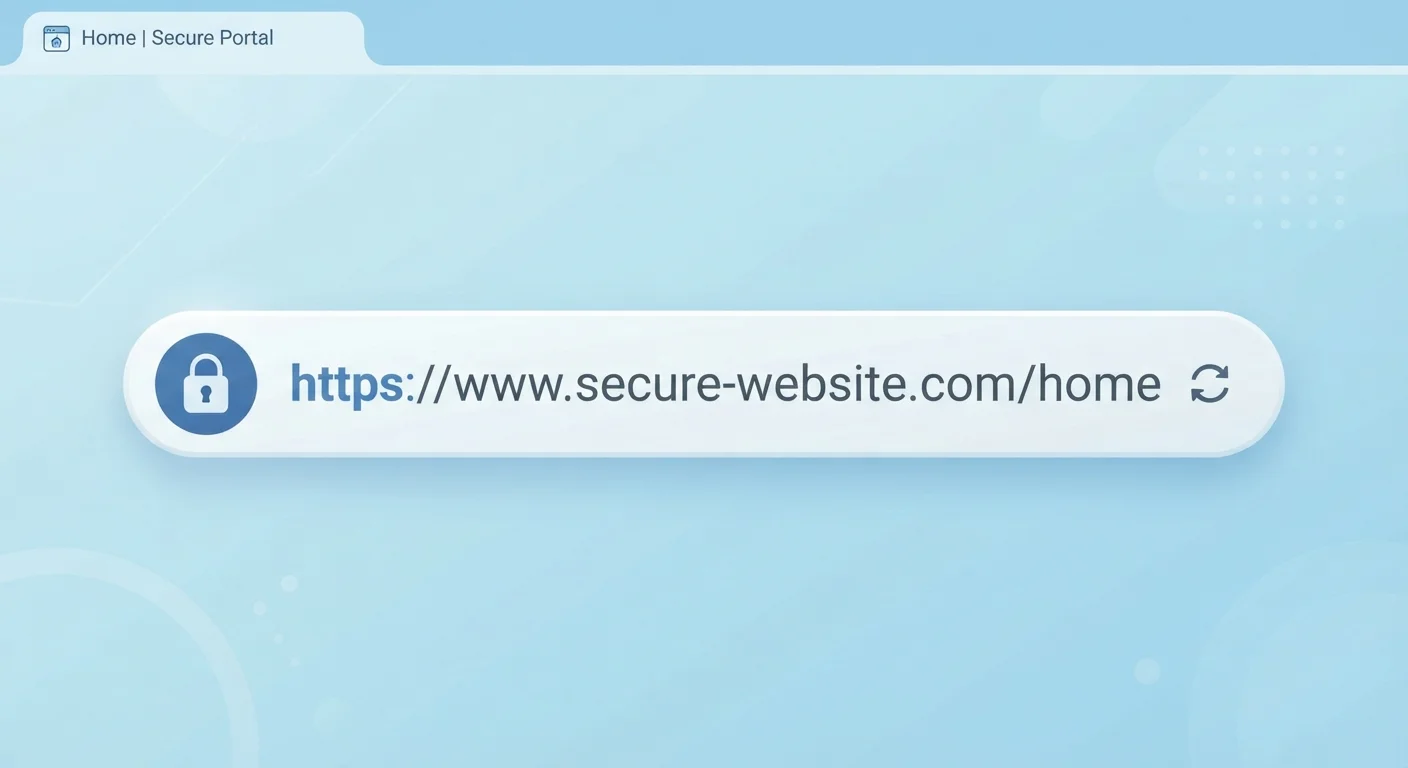
A URL is more than a string of text. Breaking one down reveals who owns a site, how secure the connection is, and whether a link is trustworthy.
What a URL actually is
A URL (Uniform Resource Locator) is the full address a browser uses to find a specific page on the internet. When you type one in or click a link, your browser reads each part of that address and uses it to locate and load the right content. Most people treat URLs as opaque strings to click through, but each segment carries specific meaning.
Here is a typical URL broken into its parts:
https://www.example.com/articles/tips?sort=recent#comments
- https:// - the scheme (protocol)
- www.example.com - the host (domain)
- /articles/tips - the path
- ?sort=recent - the query string
- #comments - the fragment
You won't always see all five parts. Many URLs skip the query string and fragment entirely. But the scheme and domain are almost always present, and those two tell you the most about safety and ownership.
| What URL stands for | Uniform Resource Locator |
| HTTPS encryption protocol | TLS (Transport Layer Security) |
| US government TLD restriction | .gov is reserved for US government agencies |
| Fragment identifier behavior | The #fragment never gets sent to the server; it is browser-only |
| Key domain reading direction | Read right to left: TLD first, then registered domain, then subdomains |
The scheme: http vs. https
The letters before the colon and slashes are the scheme. On the web, you will see either http or https. The s stands for secure, meaning the connection between your browser and that server is encrypted using a protocol called TLS (Transport Layer Security). Without it, data you send, including passwords and form entries, can be intercepted on shared or public networks.
Browsers now display a padlock icon next to HTTPS addresses and may flag plain HTTP sites with a "Not secure" label. HTTPS does not guarantee a site is honest or legitimate. It only means the connection is encrypted. A scam site can run on HTTPS just as easily as a trustworthy one, which is why the rest of the URL still matters. For more on how these signals can mislead you, see how phishing emails exploit trust signals.
The domain: who actually owns this address
The domain is the part that identifies the site's owner. It has two core pieces: the domain name itself (like example) and the top-level domain, or TLD (like .com, .org, or .gov).
Read a domain from right to left to understand its structure. In news.example.com, the TLD is .com, the registered domain is example, and news is a subdomain created by whoever owns example.com. Subdomains can be named anything, so secure.bank-login.example.com is still a page on example.com, not on any bank.
This is where many phishing attacks succeed. A fraudulent link might read paypal.account-verify.com, which looks PayPal-adjacent but is actually a site registered as account-verify.com. PayPal does not own it. Always focus on the registered domain immediately to the left of the TLD.
TLDs also carry meaning. The .gov TLD in the United States is restricted to government agencies. .edu is restricted to accredited educational institutions. .com, .net, and .org are open to anyone, so they carry no automatic authority.
Understanding the domain is part of broader privacy awareness online. The Privacy & Safety section covers more ways to recognize risks before they reach you.
The path, query string, and fragment
After the domain, the path describes where on the site a specific page lives, similar to a folder structure on your computer. /articles/tips likely means a tips page inside an articles section. Paths are set by the site's owners and do not affect security, but they can tell you whether a link is going to the page it claims to go to.
The query string starts with a question mark and passes extra information to the server, often for search results, filters, or tracking. ?sort=recent might tell the server to show the newest content first. ?ref=email is a tracking parameter that tells the site you arrived from an email. These parameters don't change what page loads, but they do signal how you got there.
The fragment, which starts with a hash (#), points to a specific section within the page. It never leaves your browser; the server does not see it. If a URL ends in #comments, your browser simply scrolls to the comments section after the page loads.
Knowing how cookies and tracking parameters work together gives you a fuller picture of how sites follow your behavior. What browser cookies actually do explains the mechanics in plain terms.
Spotting a suspicious URL before you click
A few habits make a real difference. Before clicking any link, hover over it on a desktop browser: the actual destination appears in the status bar at the bottom of the window. On mobile, press and hold a link to reveal a preview of the full URL.
Look for these warning patterns:
- A domain with extra words appended, like
amazon-support-login.netinstead ofamazon.com - Hyphens used to make a fake domain look legitimate, such as
apple-id-verify.com - Misspellings that are easy to miss:
arnazon.com,paypa1.com - A long subdomain chain designed to bury the actual registered domain near the end
- URL shorteners that hide the real destination entirely
If you are already on a page and want to check, look at the address bar directly. The registered domain and TLD are the ground truth. Ignore everything to the left of the domain and everything after the first slash when assessing legitimacy.
Private browsing does not change how URLs work or make suspicious links safer. Private browsing windows explains what incognito mode actually protects and what it does not.
The content on this site is for informational purposes only and is not a substitute for professional advice. Always consult a qualified professional for guidance specific to your situation.