
Why Your Wi-Fi Slows Down at Night (And What You Can Do About It)

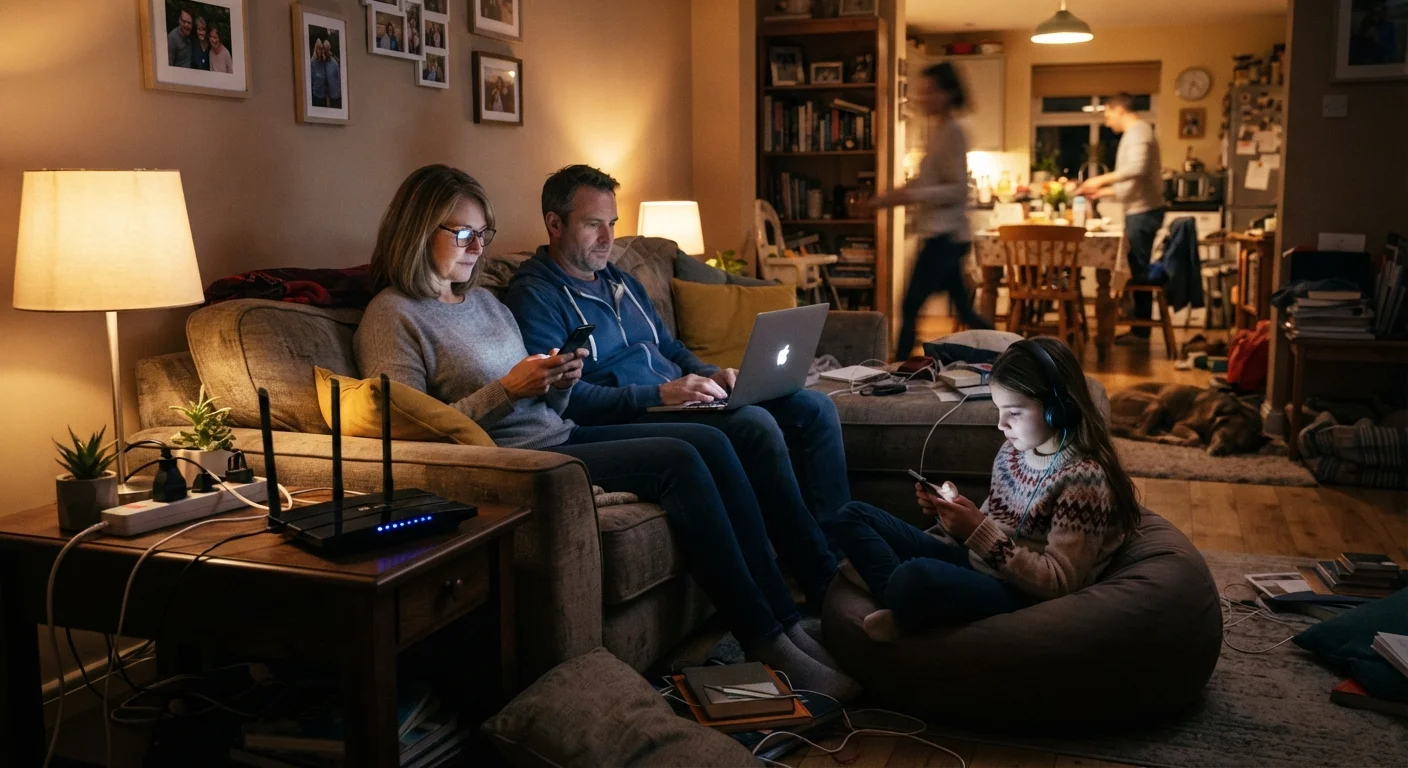
Evening internet slowdowns aren't always your router's fault. Explore the real reasons speeds drop and practical steps to improve them.
Key takeaways
- Evening slowdowns are usually caused by neighborhood-wide network congestion, not a broken router.
- Internet service providers share bandwidth across many households, so peak hours affect everyone in the area.
- Devices in your own home competing for bandwidth also reduce your available speed.
- Switching to a less crowded Wi-Fi frequency band can improve performance in some situations.
- Restarting your router periodically and positioning it well can help maintain consistent speeds.
- Persistent, severe slowdowns may be worth reporting to your internet provider.
The real source of evening slowdowns
When your video call starts breaking up at 8 p.m. or your streaming keeps buffering, the instinct is to blame the router. Often, though, the problem starts outside your home entirely.
Internet providers deliver service to entire neighborhoods through shared infrastructure. The cable or fiber line coming into your street has a fixed capacity, and that capacity is divided among every household connected to it. During the day, most people are at work or school, so there is plenty of room. By evening, dozens or hundreds of households are all streaming, gaming, and video calling at once. The result is congestion: everyone's speed drops because demand outpaces what the network can supply at that moment.
This is sometimes called the "busy hour" effect. ISPs design their networks with enough capacity for average usage, not peak usage, so evening hours consistently produce lower speeds for many customers. Your equipment may be working perfectly while the bottleneck sits a block away at a neighborhood distribution node.
ISP speeds are often "up to" figures
When a provider advertises a speed like "up to 300 Mbps," that is a maximum, not a guarantee. Actual speeds depend on network conditions, the type of connection (cable, fiber, DSL), and how many customers share infrastructure in your area. Fiber connections generally hold closer to advertised speeds during peak hours because fiber networks have more capacity and less shared contention.
What's happening inside your home
Even if your ISP's network were perfectly uncongested, your own household can still slow things down. Every device connected to your router shares the same bandwidth coming into your home. A teenager streaming 4K video, a parent on a video call, and a gaming console running an update simultaneously can saturate even a reasonably fast plan.
Wi-Fi also competes with itself. The 2.4 GHz radio band that most routers use by default travels through walls well, but it is also the same frequency used by your neighbors' routers, cordless phones, and microwave ovens. In an apartment building or densely packed suburb, channel overlap from dozens of nearby networks creates interference that slows everyone down. For more on how wireless signals interact with physical objects and competing signals, see our guide on wireless interference causes.
Router placement matters more than most people realize. A router shoved in a corner, inside a cabinet, or next to a concrete wall will deliver meaningfully weaker signal to devices across the house.
40-50%
Typical peak-hour speed reduction vs. off-peak
The FCC's Measuring Broadband America reports have consistently found that many ISPs deliver noticeably lower speeds during peak evening hours compared to off-peak periods.
7-11 p.m.
Common peak congestion window for home internet
Internet traffic analysis firms have repeatedly identified this evening window as the period of highest residential broadband demand in the United States.
5 GHz
Less-congested Wi-Fi band for nearby devices
The 5 GHz band has more available channels and less interference from neighboring networks, making it faster for devices within close range of the router.
Steps that can actually help
Start by figuring out whether the problem is inside or outside your home. Plug a laptop directly into your router with an Ethernet cable and run a speed test during a slow evening period. If wired speeds are also slow, the bottleneck is likely on your ISP's network. If wired speeds are fine but Wi-Fi is slow, the problem is in your home setup.
For home-side fixes, try these:
- Move your router to a central, open location in your home, away from thick walls and other electronics.
- Switch devices that need reliable speed, like a streaming TV or desktop computer, to a wired connection.
- If your router supports both 2.4 GHz and 5 GHz, connect nearby devices to the 5 GHz band. It handles less interference and is generally faster for devices within the same room or two.
- Restart your router once a week. Consumer routers accumulate memory load over time and a reboot clears it.
- Check whether router firmware updates are available. Manufacturers release updates that fix performance bugs.
Scheduling large downloads, game installs, or software updates for late night avoids piling extra load on top of peak-hour congestion. Most platforms let you set a download schedule in settings.
For a broader look at when a wired connection is worth the hassle over Wi-Fi, our piece on when to use each type of connection covers the tradeoffs clearly.
When to contact your internet provider
If your wired speed test shows consistently low speeds during evening hours compared to what your plan promises, that is a legitimate reason to call your ISP. Keep a record of test results with timestamps so you can show a pattern rather than a single complaint. Many providers will investigate and, in some cases, upgrade local infrastructure if congestion is widespread in your area.
Ask your provider specifically whether your neighborhood has a known congestion issue and whether a different service tier would actually improve peak-hour performance on their network. Some ISPs offer plans with guaranteed or prioritized speeds; others cannot make that promise on shared infrastructure regardless of what tier you pay for.
Persistent slowdowns that affect only your address, rather than neighbors, may point to a problem with the physical line into your home. A technician visit can check the quality of your cable connection and equipment, which sometimes deteriorates over time.
If you are concerned about security on your home network generally, see our guide to securing your home Wi-Fi for foundational steps that do not require technical expertise.
Frequently Asked Questions
The content on this site is for informational purposes only and is not a substitute for professional advice. Always consult a qualified professional for guidance specific to your situation.