
Why Your Phone Slows Down Over Time

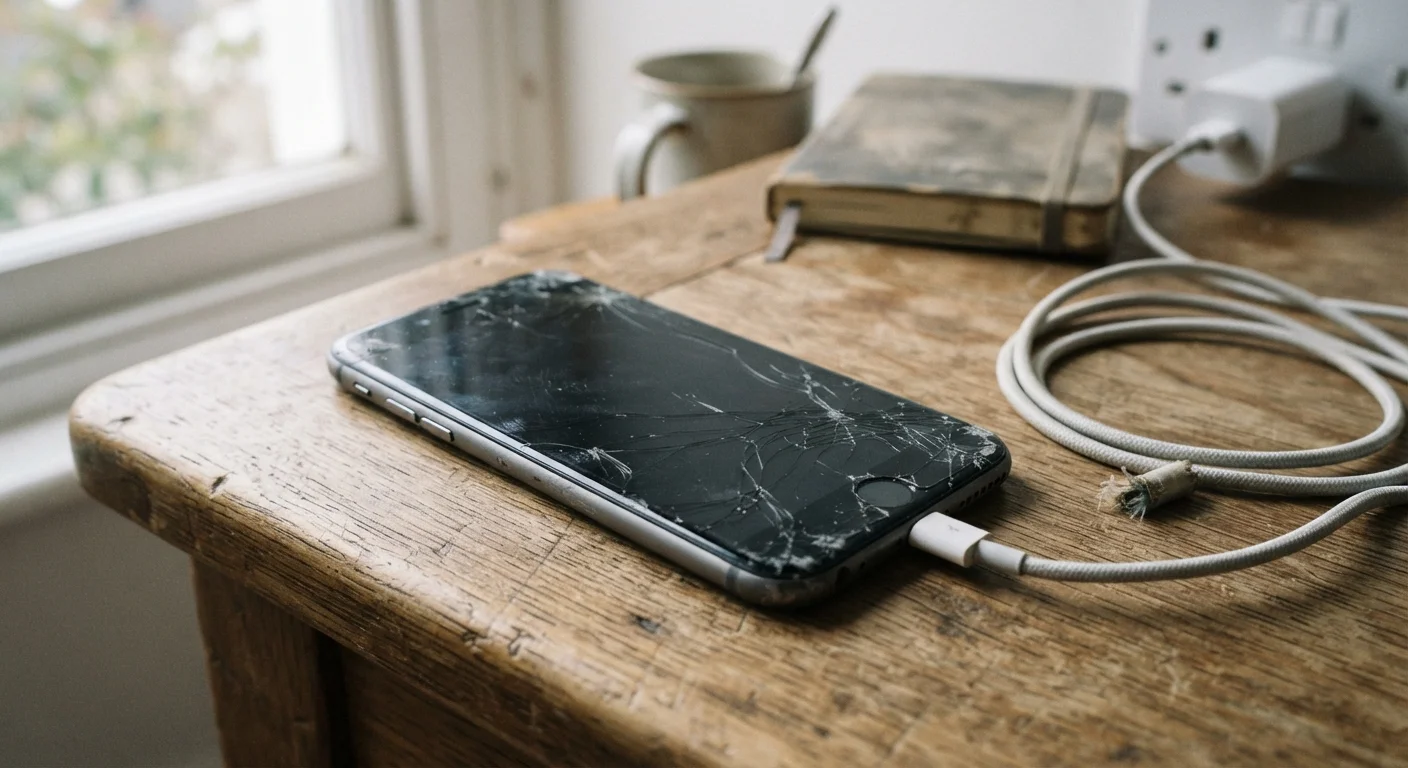
It's not your imagination. Phones do get slower, and there are specific reasons why. Understand what's happening and what you can actually do about it.
Key takeaways
- Battery degradation causes phones to throttle processor speed to prevent unexpected shutdowns.
- Software updates add features that older hardware was not designed to run at full speed.
- A full or nearly full storage drive slows read and write operations noticeably.
- Accumulated background processes and cached data compete for limited RAM.
- Some slowdown is reversible with maintenance steps; some reflects genuine hardware age.
The battery connection most people miss
When a lithium-ion battery ages, it loses the ability to deliver a consistent surge of power. Phones detect this and reduce processor speed automatically to prevent the device from shutting off unexpectedly during demanding tasks. Apple documented this behavior publicly in 2017, and similar mechanisms exist in Android devices from various manufacturers.
The result feels like a slow phone, but the cause is a worn battery. You can check battery health directly on most modern smartphones. On iPhones, it appears under Settings, then Battery, then Battery Health and Charging. Android devices vary, but many show a similar figure in the device settings or through manufacturer apps. Reading a battery health report explains what those percentages mean in practice.
A battery that reads below roughly 80 percent capacity is likely contributing to throttling. Replacing it is one of the more cost-effective ways to restore performance.
How software updates add weight over time
Each major operating system update brings new features, security patches, and visual effects. Those additions require more processing power and memory than the previous version. A phone released three years ago was designed around the hardware available then. Running a much newer OS on that same chip means the processor is doing more work than it was originally built to handle at that software load.
This does not mean updates are bad. Security updates protect your data, and skipping them creates real risk. But it does explain why a phone that felt fast when new can feel sluggish two or three OS generations later.
Restart your phone regularly
A full restart clears RAM, stops background processes that have accumulated over days of use, and applies any pending software patches. Once a week is a reasonable habit that costs nothing and often produces a noticeable speed difference.
App updates follow the same pattern. Developers optimize for current hardware. Older phones running the latest version of a popular app may experience slower load times simply because the app now assumes more processing headroom than the device has.
Storage and RAM: the everyday bottlenecks
Flash storage (the chip that holds your photos, apps, and files) slows down as it fills up. When a drive has very little free space, the phone struggles to write temporary files, manage updates, and run apps smoothly. Keeping at least 10 to 15 percent of total storage free helps, though the exact threshold varies by device.
Storage fills up faster than most people expect, partly because app caches, system logs, and downloaded content accumulate silently in the background. Clearing app caches periodically and offloading photos to cloud backup or a computer frees space without deleting anything permanently.
RAM (the short-term working memory a phone uses to keep apps running) is separate from storage. When too many background processes compete for limited RAM, the phone slows down or has to reload apps from scratch each time you switch between them. Restarting the phone clears RAM and can produce a noticeable speed improvement.
What you can actually do
A few maintenance habits address the most common causes. Restarting the phone once a week clears temporary files and frees RAM. Keeping storage below 85 to 90 percent full prevents the slowdown tied to a packed drive. Checking battery health and considering a replacement if it has dropped significantly addresses processor throttling.
If your phone slows down specifically when loading web pages or streaming video, the issue may be your network rather than the device itself. Wi-Fi slowdowns at night have their own causes worth separating from hardware aging.
Finally, a factory reset removes accumulated software clutter and can restore meaningful speed. It erases all data on the device, so backing up first is necessary. This is worth considering before replacing a phone that otherwise meets your needs.
Not every slowdown is fixable. At some point, hardware simply cannot keep pace with current software demands. Understanding which cause applies to your situation helps you decide whether to maintain, repair, or replace. Common gadget myths covers other widely believed ideas about phones that turn out to be inaccurate.
Frequently Asked Questions
The content on this site is for informational purposes only and is not a substitute for professional advice. Always consult a qualified professional for guidance specific to your situation.