
Smart Speakers Explained for People Who Haven't Bought One Yet

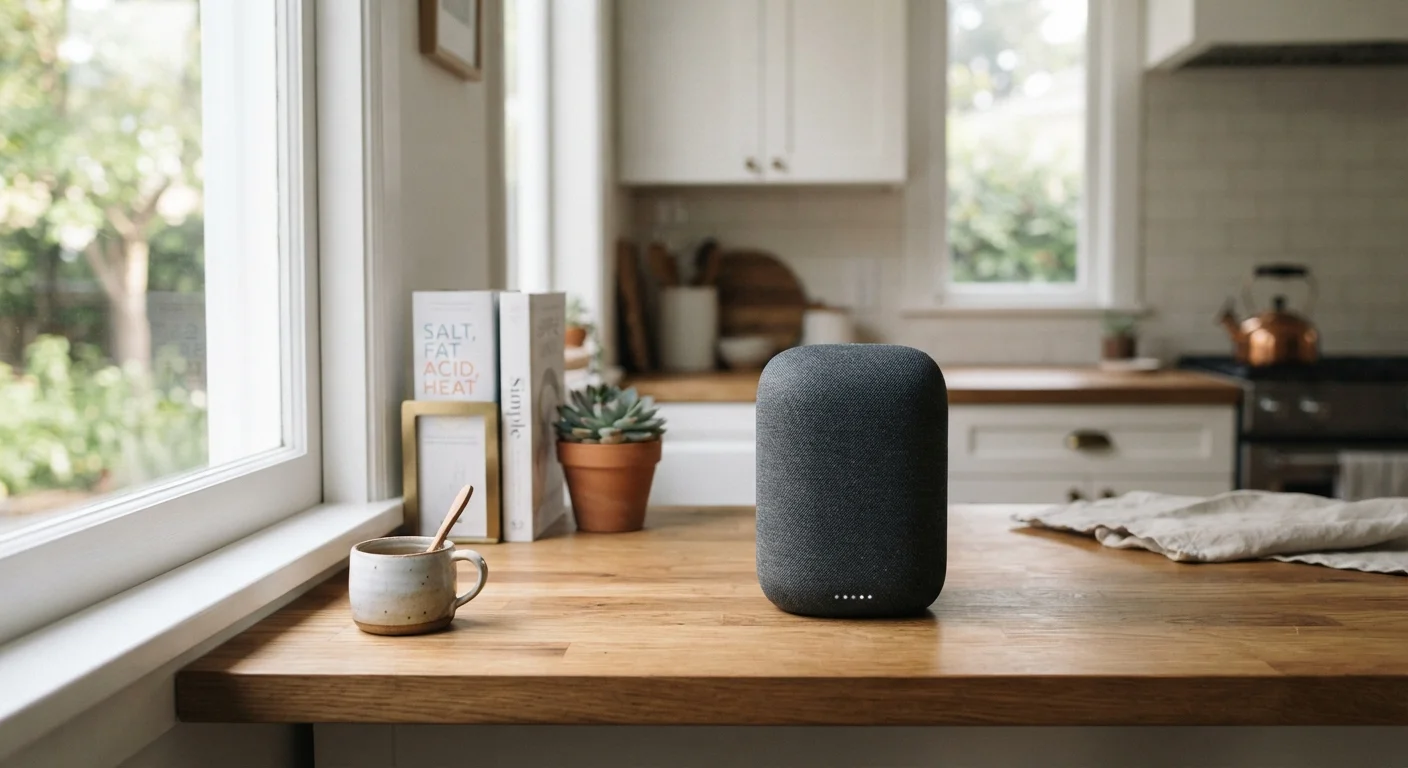
What can a smart speaker actually do in a real home? This plain-language guide covers how they work, what they need, and what to realistically expect.
Start here
What a smart speaker actually is
Next
What it needs to work
Then
What you can realistically do with one
Before you decide
Privacy and the always-on microphone
Final check
Things to consider before buying
Key takeaways
- A smart speaker is a Wi-Fi-connected device you control with your voice through a built-in virtual assistant.
- It requires a home Wi-Fi network and a companion app on your phone to set up.
- Most daily uses center on music, timers, reminders, weather, and simple smart home controls.
- The microphone listens for a wake word at all times, which raises legitimate privacy questions worth understanding.
- Which assistant ecosystem you already use (phone, TV, or other devices) will influence which speaker fits your home.
What a smart speaker actually is
A smart speaker is a wireless speaker with a built-in microphone and internet connection. It responds to your voice through a virtual assistant, which is software that interprets spoken commands and either answers a question, plays audio, or controls a connected device.
The speaker sits on a counter or shelf, stays plugged into an outlet, and listens for a wake word. When it hears that word, it sends your spoken request to the company's servers, processes it, and sends a response back in a fraction of a second. You hear the answer through the speaker.
That process happens entirely over your home Wi-Fi. No phone call, no button press.
Virtual assistant
Software built into the speaker that understands spoken questions and commands, then responds or takes action. Common examples include Alexa, Google Assistant, and Siri.
Wake word
A specific phrase (such as 'Hey Google' or 'Alexa') that signals the device to start listening to your request.
Ecosystem
The family of apps, services, and devices made by one company that are designed to work together seamlessly.
Smart home integration
The ability to connect and control other Wi-Fi-enabled home devices (lights, thermostats, locks) through voice commands or an app.
Companion app
A phone application from the device manufacturer used to set up and manage the smart speaker's settings and connected services.
What it needs to work
Three things are required: a working Wi-Fi network at home, a power outlet within reach, and a smartphone or tablet to run the companion app during setup.
Setup usually takes less than ten minutes. You download the app, plug in the speaker, follow the on-screen steps to connect it to your Wi-Fi, and link whatever accounts you want the assistant to access (music services, calendar, shopping lists).
After that initial configuration, the speaker works independently. You do not need to open the app each time you use it.
What you can realistically do with one
The most common uses, based on how most households actually use these devices, are playing music or podcasts, setting kitchen timers, asking for the weather, and creating reminders or shopping lists.
Beyond those basics, a smart speaker can read out a calendar appointment, answer general knowledge questions, or convert units while you cook. If you connect it to compatible smart home devices like lights or a thermostat, you can control those by voice as well. That connection is optional, though, and is a separate purchase. For a broader look at how smart home devices fit together in a real home, see this honest look at smart home upsides and friction.
What it does less well: tasks that require reading a screen, complex multi-step requests, or anything where precise wording matters.
Match the speaker to your phone's ecosystem
If your phone runs Android and you use Google services, a speaker built around Google Assistant will feel more natural and share more data (like your calendar) without extra configuration. iPhone users often find tighter integration with Apple's ecosystem. Mixing ecosystems is possible but adds friction.
Privacy and the always-on microphone
The device is designed to listen only for its wake word, not to record everything in the room. When the wake word is detected, a short audio clip of your command is sent to the company's servers for processing. Most manufacturers publish privacy policies explaining how long they store those recordings and how you can delete them.
Physical mute buttons are standard on most smart speakers. Pressing it cuts power to the microphone entirely, and most devices show a light to confirm the mic is off.
Accidental activations are real
Smart speakers sometimes 'wake up' because a word in normal conversation sounds like the wake word. When that happens, a short audio clip may be sent to the company's servers. Knowing this upfront lets you decide whether to keep the device in bedrooms or other private spaces.
If privacy is a significant concern, it is worth reading the manufacturer's privacy policy and reviewing the audio history in the companion app, where you can usually delete stored clips.
Things to consider before buying
The assistant ecosystem is the most consequential choice. The three main ones are Amazon Alexa, Google Assistant, and Apple Siri (via HomePod). Each connects best to its own company's services and devices. Switching later is possible but means reconfiguring everything.
Sound quality varies by price and model. A speaker bought primarily for music may warrant a different choice than one used mainly for voice commands in a noisy kitchen.
Voice shopping carries a risk
Most smart speakers connected to a retail account can place orders by voice. If you share your home with others, including children, consider whether to turn this feature off. It is usually disabled by default or requires a confirmation code, but it is worth verifying in the companion app.
If you already own other connected devices at home, check whether they work with the assistant you are considering. Compatibility lists are published on each manufacturer's website. For context on how device purchases fit into broader ownership questions, the guide on device warranties is worth a look before you commit.
This article is for informational purposes only. Technology features, privacy policies, and product capabilities change over time. Always review current documentation from the manufacturer before making a purchase decision.
Frequently Asked Questions
The content on this site is for informational purposes only and is not a substitute for professional advice. Always consult a qualified professional for guidance specific to your situation.