
Web App or Native App: What the Difference Means for Everyday Users

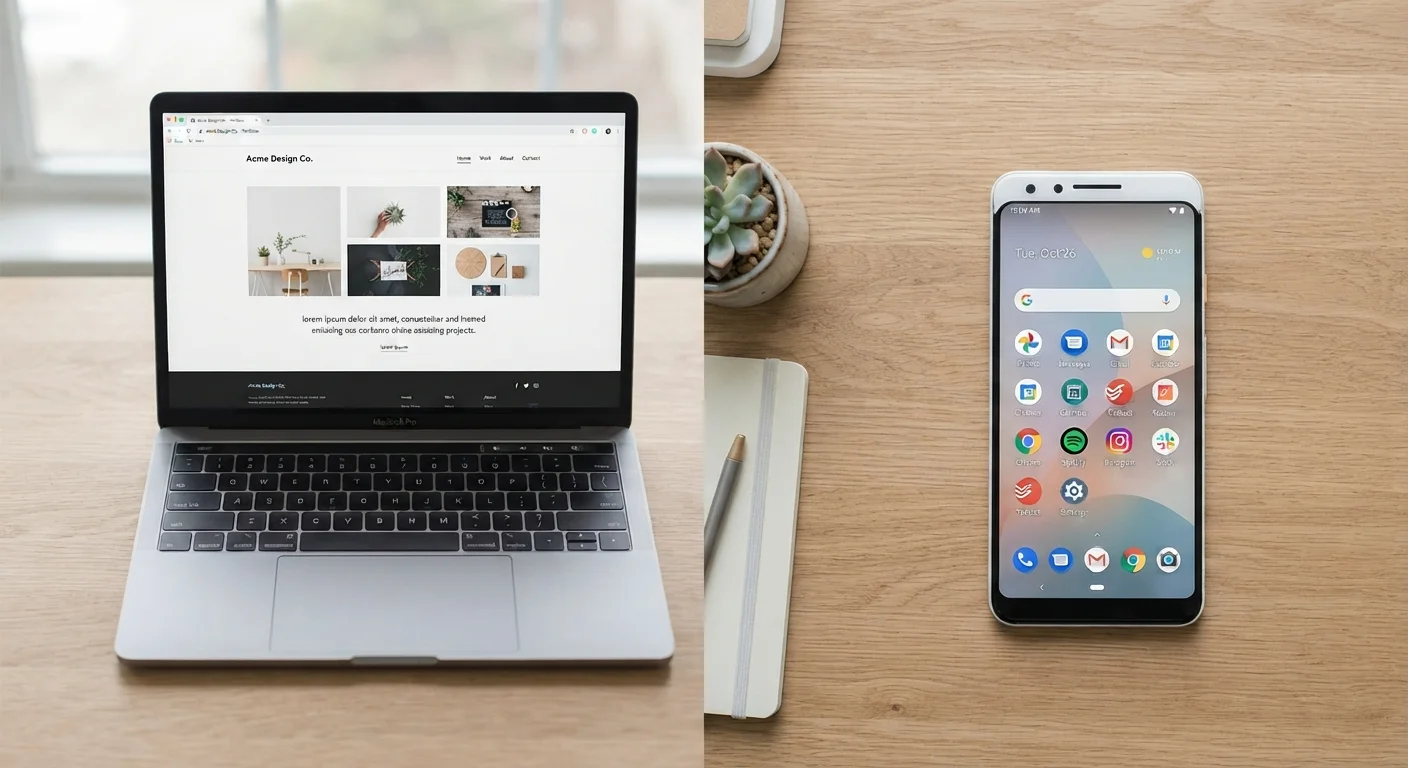
Some apps live in a browser; others install on your device. Understanding the distinction helps you make sense of performance and storage.
Option A
Web app
The browser-based, nothing-to-install option.
Best for: Users who want quick access across multiple devices without downloading anything.
Option B
Native app
The installed, device-optimized choice.
Best for: Users who need reliable offline access, faster performance, or hardware features like the camera.
Key takeaways
- Web apps run inside a browser and require no installation; native apps are downloaded and installed on your device.
- Native apps generally respond faster and work offline; web apps are easier to access on any device.
- Native apps can use device hardware like the camera or GPS more fully than most web apps.
- Web apps update automatically on the server side; native apps prompt you to download updates.
- Storage and battery use differ: native apps consume local space, while web apps lean on your internet connection.
What each one actually is
A web app is a program that runs inside a browser like Chrome, Safari, or Firefox. You visit a URL, and the app loads from a server somewhere on the internet. Gmail, Google Docs, and most online banking portals are web apps. Nothing installs on your device; the software lives on a remote server.
A native app is software you download and install directly onto your phone, tablet, or computer. It is built specifically for one operating system, either iOS or Android on mobile, or Windows or macOS on a desktop. The app stores its own files on your device and communicates with the operating system directly.
A third category worth knowing is the progressive web app (PWA). A PWA is a web app that can be added to your home screen and uses some offline capabilities, blurring the line between the two types. Many services now offer PWAs as a middle ground, though they still have more hardware limitations than a fully native app.
How they compare in daily use
The differences become concrete fast once you use both types regularly.
| Criterion | Web app | Native app |
|---|---|---|
| Installation required | No | Yes |
| Works offline | Rarely | Often |
| Performance | Good for basic tasks | Faster, more consistent |
| Device storage used | Minimal | Moderate to high |
| Hardware access (camera, GPS) | Limited via browser | Full via OS |
| Updates | Automatic, server-side | Manual, via app store |
| Works on any device | Yes, any browser | Only compatible OS |
Performance is where native apps have a clear edge. Because they are built for a specific operating system, they can use device resources more directly. Web apps depend on the browser as a middleman, which adds a layer of processing. For most basic tasks like reading email or filling out a form, you probably will not notice. For anything graphics-heavy or time-sensitive, the gap shows.
Offline access is another practical divide. A native app can cache data locally so you can read a saved article, check a calendar, or compose a message with no connection. Most web apps go blank without internet. PWAs narrow this gap somewhat, but native apps still handle it more reliably.
For a broader look at where your data lives when you use cloud-connected apps, see how cloud and local storage compare.
Storage, updates, and permissions
Native apps consume storage on your device. A single app might use anywhere from a few megabytes to several gigabytes, and that number grows as you accumulate data inside it. Web apps use almost no local storage, though your browser may cache some files to speed up loading.
Updates work differently too. A web app updates silently on the server. The next time you open your browser, you are already running the latest version. A native app shows a notification in your app store, and you choose when to install the update. This can be convenient or annoying depending on your preference, but it does mean you might be running an outdated version without realizing it.
Permissions are another area where the two types diverge. Native apps can request access to your camera, microphone, contacts, GPS, and fingerprint sensor through the operating system. Web apps can request some of these through the browser, but browser-based access is more limited and sometimes less reliable. If you want to understand what those permission requests actually mean, this guide to app permissions breaks each one down in plain language.
Security considerations differ between types
Native apps go through an app store review process before they reach you, which adds one layer of vetting. Web apps skip that process, but reputable web services use HTTPS encryption and server-side security practices. Neither type is automatically safer than the other. The habits you use, like keeping apps updated and using strong passwords, matter more than the format itself.
Which one to use when
The choice is rarely dramatic. Most services offer both a web app and a native app, so the question is which version to reach for in a given situation.
Use the web app when you are on a device that is not yours, when you want to avoid filling up storage, or when you need to access something quickly from any browser. Use the native app when you want the fastest experience, need the app to work offline, or rely on device features like the camera or biometric login.
Some apps behave quite differently across the two versions. A social media platform's native app might include features the web version lacks, or vice versa. It is worth trying both before committing to one habit. Connection quality also plays a role: a slow or unstable connection makes web apps less pleasant to use, while a native app is largely unaffected. For more on managing your connection, see when to use mobile data versus Wi-Fi.
The content on this site is for informational purposes only and is not a substitute for professional advice. Always consult a qualified professional for guidance specific to your situation.